
Fonts are not embedded: the export setting that breaks your book file
A printer cannot use a font it does not have, so every glyph in your book has to travel inside the PDF itself. When a printer reports unembedded fonts it means at least one typeface is referenced by name only. The usual cause is an export preset that skips embedding, and the harder cause is a font whose license forbids it. You can tell which in about thirty seconds.
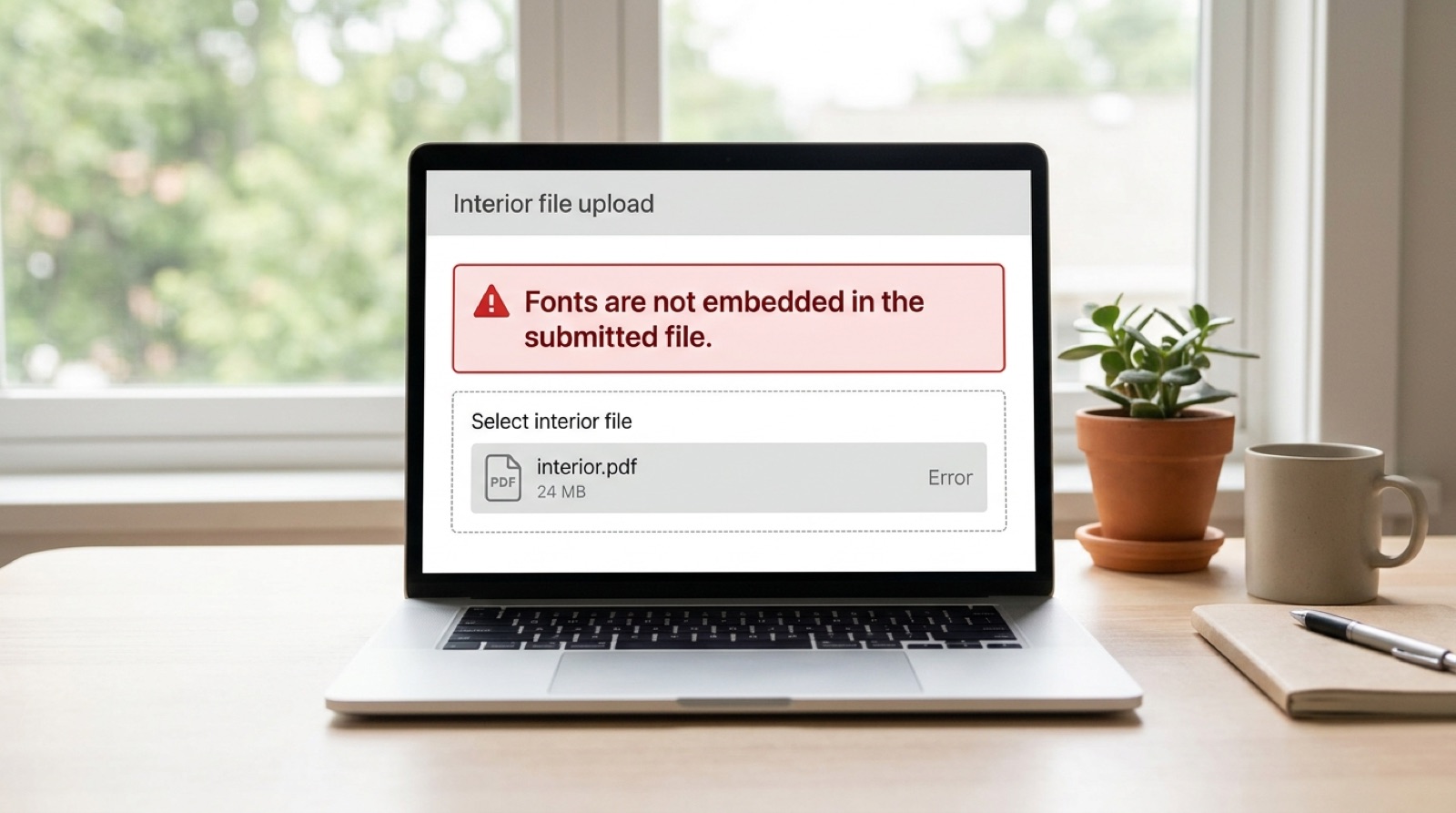
Fonts are not embedded in the submitted file.
Your computer has your fonts installed. The press does not. When a PDF only names a typeface rather than carrying it, the output device has to guess, and it will substitute something it does have. Line breaks move, page counts shift, and a carefully set book comes back looking like a draft. Printers refuse these files rather than guessing on your behalf, which is the right call even though it is inconvenient.
Check it yourself in thirty seconds
- Open the PDF in Adobe Acrobat or Acrobat Reader.
- Go to File, then Properties.
- Open the Fonts tab.
You will see every typeface the document uses. Each one should be followed by (Embedded) or (Embedded Subset). Both are fine. Embedded Subset simply means only the characters actually used were included, which keeps the file smaller and is normal for book work.
Any font listed without one of those tags is the problem. Note the name before you go looking for the cause, because the fix depends on which font it is.
The thing most authors get wrong: a font can appear correct on screen, print correctly from your own desktop printer, and still be unembedded. Your machine is filling in the gap locally. The press has nothing to fill it with.
Cause one: an export preset that does not embed
This is the common case, and it is not your fault. Adobe Acrobat's default Standard preset does not embed the base 14 fonts. Those are the fourteen typefaces, including Helvetica, Times, Courier and Symbol, that every PDF reader has been required to provide since the format was designed. The assumption was that embedding them wasted space because the reader already had them.
That assumption holds for reading on screen. It fails completely for commercial print, because a press is not a PDF reader and has no font library to fall back on. So a file set in Times New Roman, exported with the default preset, sails through every on-screen check and is refused by the printer.
The fix is to export with a print preset rather than the default. In InDesign, use the PDF/X-1a:2001 preset, which embeds everything as a matter of course. In Acrobat's own PDF settings, switch off any option resembling "do not embed base 14 fonts" or choose the Press Quality preset instead of Standard.
Cause two: the font itself refuses to embed
This one is different in kind, and no export setting will solve it.
Every OpenType font carries a field in its OS/2 table called fsType. It is a licensing declaration by the foundry, stating how the font may be embedded. When it is set to Restricted, applications that respect it, which includes InDesign, Word and Acrobat, will refuse to embed the font at all. The software is not malfunctioning. It is honoring the license the foundry attached to the file.
Two categories of font hit this most often. Free fonts downloaded from aggregator sites frequently carry restrictive or malformed embedding flags, because they were repackaged by someone other than the original foundry. And variable fonts, where a single file contains a whole range of weights, sometimes fail to embed cleanly in older print workflows even when licensing permits it.
It is worth being precise about what fsType is: it is a declaration, not an enforcement mechanism, and the written license outranks it. A font may be flagged Restricted while your purchased license plainly permits commercial print embedding. In that situation the correct route is the foundry, who can supply a properly flagged version. What you must not do is strip the flag with a font editor and embed it anyway. That is a license breach, and it is the sort of thing that surfaces later at the worst possible moment.
What to do when a font will not embed
You have three honest options, in order of preference.
- Buy the correct license. If the typeface matters to the book, a license permitting print embedding is usually inexpensive relative to the cost of a print run.
- Substitute a font with compatible licensing. For body text this is often invisible to readers if the replacement is chosen for matching x-height, weight and width rather than by name. It is not a trivial swap: changing a body face changes the page count, which changes the spine width, which means the cover has to be rebuilt.
- Convert the affected type to outlines. This turns letterforms into vector shapes, so there is no font left to embed. It works well for a handful of display words on a cover, and badly for a book interior, because outlined text is no longer text: it cannot be searched, selected, or read by a screen reader, and the file size climbs sharply.
A caution on outlining interiors: some guides recommend outlining all text as a blanket fix for embedding errors. Do not do this to a book interior. You lose accessibility and searchability permanently, and if the book is ever converted to ebook the text has to be rebuilt from scratch.
Why this often arrives alongside other errors
Unembedded fonts are one of the five conditions that fail a PDF/X-1a compliance check, so on IngramSpark the same underlying problem can surface either as a font message or as a compliance message, depending on which check ran first. If you were told about fonts, it is worth checking the other four conditions before you resubmit, because they frequently travel together. We have covered the full set in what the PDF/X-1a error actually means.
Fonts and the cover are a package
One last thing that catches people out. If a font substitution changes your interior at all, even slightly, the page count can move. Page count drives spine width, and spine width drives the entire cover wrap. A font fix that ends at the interior file leaves you with a cover built to a spine that no longer exists, which is a fresh rejection waiting to happen. Why your spine width changed when you did not touch the cover covers that chain in detail.
Frequently asked questions
How do I check if fonts are embedded in my PDF?
Open the PDF in Acrobat or Acrobat Reader, go to File, then Properties, then the Fonts tab. Every font listed should show (Embedded) or (Embedded Subset) after its name. Embedded Subset is normal and means only the characters used were included. Any font without one of those tags will cause a rejection.
Why are my fonts not embedding even though I chose embed?
The font itself may forbid it. Every OpenType font carries an fsType field in which the foundry declares whether embedding is permitted. When it is set to Restricted, InDesign, Word and Acrobat all honor that and refuse to embed. This is common with free fonts from aggregator sites, which are often repackaged with restrictive or malformed flags.
What are the base 14 fonts and why do they cause rejections?
The base 14 are the fourteen typefaces every PDF reader has always been required to provide, including Helvetica, Times, Courier and Symbol. Acrobat's default Standard preset skips embedding them to save space, on the assumption the reader already has them. A printing press is not a PDF reader and has no such library, so the file is refused.
Should I convert all my text to outlines to fix font errors?
Not for a book interior. Outlining turns letters into vector shapes, so the text can no longer be searched, selected, or read by a screen reader, and file size increases substantially. It is a reasonable fix for a few display words on a cover, and the wrong tool for hundreds of pages of body text.
Can changing a font change my page count?
Yes, and this catches people out. Substituting a body typeface alters how text flows, which can add or remove pages. Page count determines spine width, and spine width determines the whole cover wrap. A font change in the interior often means the cover has to be rebuilt to a fresh template.
Stuck on a rejected file?
File Fix diagnoses every reason your file was refused, not just the one the printer named. Diagnosis back in three to five business days, from $99.
Get your files fixed