
Lightning Source file requirements, and why files get rejected
Lightning Source requires PDF/X-1a:2001 or PDF/X-3:2002, CMYK, every font embedded, total ink coverage at or below 240 percent, an even page count and its own cover template. The detail that catches publishers out is in the submission notes: files are processed as received and are not preflighted before processing. Nothing checks your file at upload the way IngramSpark does, so a fault can reach the press, and a heavy-ink file can print for months before Lightning Source demands a corrected version.
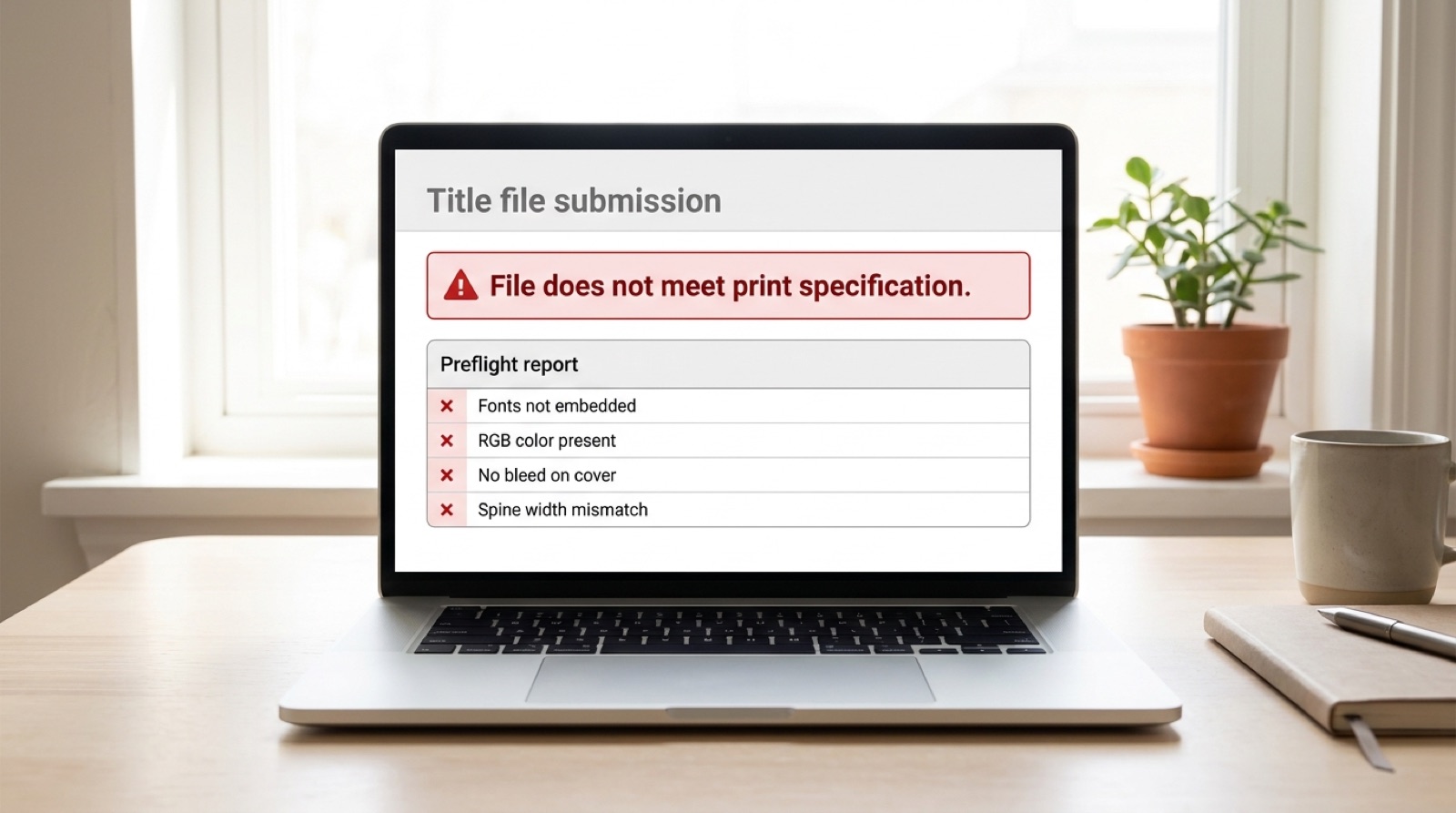
Lightning Source has a reputation among publishers for being unforgiving. The specification below is ordinary commercial print practice, and nothing in it would surprise a prepress operator. What makes Lightning Source feel harsh is the sentence in its own submission notes: files are processed as received and are not preflighted prior to processing.
Read that carefully, because it inverts the assumption most people bring from consumer platforms. Lightning Source expects the file to arrive print ready. It does not audit your work at the door and hand back a list. Some faults are caught and a corrected file is requested. Others go straight through to the press.
One company, two front doors
Ingram Content Group runs both services. Lightning Source came first and serves publishers: imprints with a list of ISBNs, print runs ordered in quantity, and files prepared by someone whose job is preparing files. IngramSpark launched in 2013 for the self-publishing market that Lightning Source was never built to serve, with a simpler interface and no requirement to hold a publisher account.
Behind both, the presses are the same machines. A correctly built file produces an identical book through either route. Anyone telling you Lightning Source prints to a higher standard is describing the customers, not the equipment.
| Lightning Source | IngramSpark | |
|---|---|---|
| Intended customer | Publishers and imprints | Independent authors, small presses |
| Account | Publisher account, credit application | Self-serve signup |
| Typical list size | Multiple ISBNs, ongoing | One title upward |
| Ebook distribution | Print only | Print and ebook |
| Print equipment | The same presses | |
| File specification | Identical | |
| Cover template | Lightning Source generator | IngramSpark generator |
| Templates interchangeable | No | |
Nothing preflights your file at upload
This is the single most useful thing to understand about Lightning Source, and it is the reason the service behaves so differently from IngramSpark despite sharing a specification.
Lightning Source expects a print ready file and processes it as received. It does not perform editorial work, and it does not run your PDF through a validation pass and return a report before manufacturing. Some categories of fault are caught: a file with unembedded fonts will be rejected and a corrected file requested. Others are not.
Total ink coverage is the clearest example, and the guide is unusually candid about it. Files above 240 percent may be rejected for correction, and files above 240 percent may also process and print without rejection. If those files later cause print problems, Lightning Source requires a corrected file from the customer at that point. A cover can therefore ship for months and then become your problem retroactively.
The practical consequence is that your own preflight is not a formality, because it may be the only one that runs.
The specification in full
Interior and cover files are governed by different numbers. Publishers who apply the cover safety margin to the interior, or add bleed to all four edges of an interior, are working from a specification that does not exist.
| Requirement | Interior (text) | Cover |
|---|---|---|
| PDF standard | PDF/X-1a:2001 or PDF/X-3:2002 | |
| Color space | Grayscale for black and white, CMYK for color | CMYK |
| Resolution | 300 ppi for continuous tone, 600 ppi for 1-bit line art | 300 ppi |
| Resolution floor | Under 72 ppi rejected | Under 200 ppi may be rejected |
| Bleed | 0.125 in on three edges only: top, bottom, outside | 0.125 in on all four sides |
| Bind edge | No bleed on the bind edge; it causes incorrect positioning | Not applicable |
| Safety margin | 0.5 in recommended inside trim | 0.25 in recommended; templates allow down to 0.125 in |
| LPI | 175 visual | 180 |
| Fonts | Every font embedded, shown as Embedded or Embedded Subset | |
| Total ink coverage | 240 percent maximum CMYK | |
| Rich black | C60 M40 Y40 K100; never build from Registration | |
| Spot colors | Convert all PMS and Pantone to CMYK, including in placed EPS files | |
| Crop marks | Do not include crop, printer or registration marks | |
| Page format | Single pages, never spreads | Simplex 1-page PDF, or duplex 2-page for perfect bound |
| Page count | Divisible by two | |
| File count | One PDF; multiple files are rejected | Built on the Lightning Source template |
| Upload limit | 1.5 GB by web upload, zip accepted | |
| File naming | isbn_txt.pdf | isbn_cov.pdf, isbn_jacket.pdf |
| Manufacturing variance | 1/16 in, or 0.0625 in, on all books | |
Four entries deserve expanding, because they are the ones that cause avoidable rejections.
Bleed goes on three edges, not four
For an interior, bleed is added to the top, bottom and outside edges only. Lightning Source is explicit that bleed must not be added to the bind, or gutter, edge, because doing so causes incorrect positioning. A 6 x 9 in interior with bleed is therefore 6.125 x 9.25 in, not 6.25 x 9.25 in.
Covers are the opposite case. A cover bleeds a full 0.125 in on all four sides, and the bleed area also extends on each side of the spine.
The safety margin is 0.5 in inside, not 0.25 in
A half inch margin is recommended inside the trim for interiors, and headers, footers, page numbers, body text and all non-bleed images have to live inside it. The 0.25 in figure that circulates in print-on-demand advice is the cover number, where Lightning Source recommends 0.25 in from final trim and its templates tolerate down to 0.125 in.
Perfect bound and hardcover interiors carry one more requirement that is easy to miss: a 0.125 in white strip on the bind side of the page, in addition to the 0.5 in margin, so images and background color stop 0.125 in short of the trim edge on that side.
Two standards are accepted; take the stricter one
The guide lists PDF/X-1a:2001 and PDF/X-3:2002 as equally acceptable. Choose PDF/X-1a. PDF/X-3 permits device-independent and RGB color that PDF/X-1a forbids outright, so an X-3 file can be valid and still carry color that gets converted in a way you did not choose, and Lightning Source is clear that dissatisfaction with color shift is the publisher's responsibility to correct. The X-1a setting appears in Acrobat 6 Professional and later; X-3 requires Acrobat 7 Professional or later.
The related trap is spot color. Convert every PMS and Pantone swatch to CMYK, including inside placed EPS artwork, and leave ICC profiles out. An ICC profile applied to 100 percent black text can convert it to a percentage of gray, which is how a book ends up proofed with body text that is not quite black.
Registration black is not a color
Total ink must stay at or below 240 percent, and the recommended rich black is 60 percent cyan, 40 percent magenta, 40 percent yellow and 100 percent black. Registration, the swatch that sits at 100 in all four channels, totals 400 percent and exists to mark plates rather than to fill artwork. It is the most common single cause of a coverage problem. There is more on the arithmetic in total ink coverage and the 240 percent limit.
The template is the one thing that does not transfer
The specification is shared with IngramSpark. The cover template is not, and this is the trap for publishers who have worked with Ingram for years and assume the two services are interchangeable at the file level.
Ingram states that a Lightning Source POD template is not compatible with the IngramSpark workflow and should not be used. Each service runs its own generator, Lightning Source through Tools and Resources on the account dashboard, and each produces a wrap for its own production path.
Once you have the right template, the rules on using it are strict and worth quoting closely. Do not reposition any item on the template except the barcode. Trim size, crop marks and the spine calculation are placed for the Lightning Source printing workflow. The final PDF must be created at the size the template was received, artwork must not extend past the crop marks, and no additional crop marks or canvas should be added. If you took a PDF or EPS template rather than an InDesign one, the pink and blue guide areas have to be removed or completely covered before submission, because they will otherwise print.
Templates are ordered with a mod2 spine calculation, which is to say a page count divisible by two, and they should be ordered after the interior is final. A template pulled while the book was still being proofread describes a spine width that no longer exists.
Barcodes and spine text
A barcode is mandatory on every cover. It is the only element on the template you may move, it must stay inside the safe area of the back cover, and it must not be resized. A barcode you supply should be 100 percent black on a white background. If you would rather Lightning Source place one, leave a clear area of at least 1.75 in wide by 1 in high on the back cover.
Spine text has a hard floor. Perfect bound books with a page count below 48 cannot carry spine text at all. Above that, spine safety is 0.0625 in on the left and right for spines of 0.35 in and larger, and 0.03125 in for spines narrower than 0.35 in.
Even page counts, and the last page you cannot use
Text files are stored with a page count divisible by two, and Lightning Source will add pages itself if the count you supply is odd. There is a second constraint alongside it that catches people: the last page of the book is left blank for Lightning Source manufacturing information. Do not design onto it.
The knock-on effect is the spine. Adding a single page of content forces the total up by two to keep it even, and two extra pages of white stock add roughly 0.0045 in to the spine. That is a small number and it is still a different number from the one your cover was built to, which is why the interior has to be finished before the cover is produced rather than alongside it.
If you are padding to an even count, put the blanks at the back, after any index or colophon, where they read as the end of the book.
Why files prepared by professionals still come back
Lightning Source customers are more likely to be working with a designer or a typesetter than an author exporting from Word. Corrections are still requested, and the causes cluster.
- The file was built in an application Lightning Source does not support. Microsoft Word, Microsoft Publisher, Adobe PageMaker and InDesign CS2 and older are all listed as non-supported, and no export setting rescues a file from that list.
- The file was correct when it was made, and then the manuscript changed. A late correction reflows the text, the page count moves, and the cover that matched last week no longer matches.
- An old template was reused because it was already in the project folder. It was right for the previous edition, or the previous page count, or for IngramSpark rather than Lightning Source.
- Bleed was added to all four edges of the interior. It belongs on three, and adding it on the bind edge causes incorrect positioning.
- Stock artwork arrived in RGB and nobody converted it. Screen-prepared images also tend to sit under the resolution floor at final print size and run heavy in the shadows, so a single placed image can carry three separate faults.
- A font was substituted to resolve an embedding error, and the substitution reflowed the interior. Fixing the fonts created a spine problem, which is covered in fonts are not embedded.
None of these are careless. They are what happens when a book file is a moving target and the specification is a fixed one.
What to verify before you submit
Since Lightning Source does not preflight on your behalf, this list is the check rather than a rehearsal for one.
- Open the PDF in Acrobat Pro and run the PDF/X-1a:2001 preflight profile. It reports every violation at once.
- Check File, Properties, Fonts. Every entry should read Embedded or Embedded Subset. Acrobat's default Standard preset does not embed the base 14 fonts, so a file distilled with it will fail.
- Use Output Preview with "Show objects in" set to RGB, and confirm nothing highlights. Check the same file for stray spot colors and ICC profiles.
- Measure total ink coverage in the genuinely darkest area of the cover, not the area you assume is darkest.
- Confirm interior bleed is on three edges and that the bind edge has none.
- Confirm the interior safety margin is 0.5 in, and that the cover keeps text 0.25 in from trim.
- Confirm the page count is even and that the last page is blank.
- Confirm the template came from Lightning Source, was generated after the interior was final, and still carries its crop marks and guides in their original positions with the pink and blue areas covered.
When the corrections are already stacking up
Faults tend to be reported one at a time rather than as a complete list, so a file with four problems can come back four times, with a wait between each attempt. Publishers on a print schedule feel this more sharply than anyone, because the delay compounds against a pub date that is already announced. The way out is to stop responding to individual messages and audit the whole file at once, which is the subject of why your file was rejected a second time for a different reason.
Frequently asked questions
Are Lightning Source and IngramSpark the same company?
Yes. Both are part of Ingram Content Group and both print on the same equipment to the same file specification. Lightning Source is the publisher-facing service, built for imprints managing multiple ISBNs and ordering in volume. IngramSpark is the self-serve service aimed at independent authors and very small publishers. The account, the pricing and the ordering workflow differ. The specification does not, and the cover template does.
Does Lightning Source preflight my file before printing?
No. The Lightning Source file creation guide states that files are processed as received and are not preflighted prior to processing. Some faults, such as unembedded fonts, are caught and a corrected file is requested. Others are not. A file with total ink coverage above 240 percent may print without objection and only be flagged later, at which point Lightning Source requires a corrected file from the publisher.
Can I use my Lightning Source cover template for IngramSpark?
No. Ingram states that the Lightning Source template is not compatible with the IngramSpark workflow and should not be used. Each service has its own template generator producing a wrap for its own production path. Generate a fresh template from whichever service will print the book, and generate it after the interior page count is final.
What PDF standard does Lightning Source require?
PDF/X-1a:2001 or PDF/X-3:2002. Choose PDF/X-1a, which is available in Acrobat 6 Professional and later. PDF/X-3 permits device-independent and RGB color that PDF/X-1a forbids, so an X-3 file can be valid and still shift in color on press, and Lightning Source treats dissatisfaction with color shift as the publisher's responsibility to correct.
How much bleed does a Lightning Source interior need?
0.125 in on three edges only: top, bottom and outside. Do not add bleed to the bind or gutter edge, because it causes incorrect positioning. Covers are different and take a full 0.125 in bleed on all four sides. A 6 x 9 in interior with bleed measures 6.125 x 9.25 in.
What margin does Lightning Source recommend?
0.5 in inside the trim for interiors, with headers, footers, page numbers, body text and all non-bleed images inside it. Perfect bound and hardcover interiors also want a 0.125 in white strip on the bind side in addition to that margin. Covers are separate: 0.25 in from final trim is recommended, and Lightning Source templates allow down to 0.125 in.
Can I put text on the spine?
Not on a perfect bound book with a page count below 48. Above that, spine safety is 0.0625 in on the left and right for spines of 0.35 in and larger, and 0.03125 in for spines narrower than 0.35 in. The template shows the correct safety area for your page count.
Is the print quality different between Lightning Source and IngramSpark?
No. The same presses print both, so a correctly prepared file produces the same book either way. Choose between them on account type, order volume, pricing and distribution control rather than on expected print quality.
Stuck on a rejected file?
File Fix diagnoses every reason your file was refused, not just the one the printer named. Diagnosis back in three to five business days, from $99.
Get your files fixed